01
Choose a template
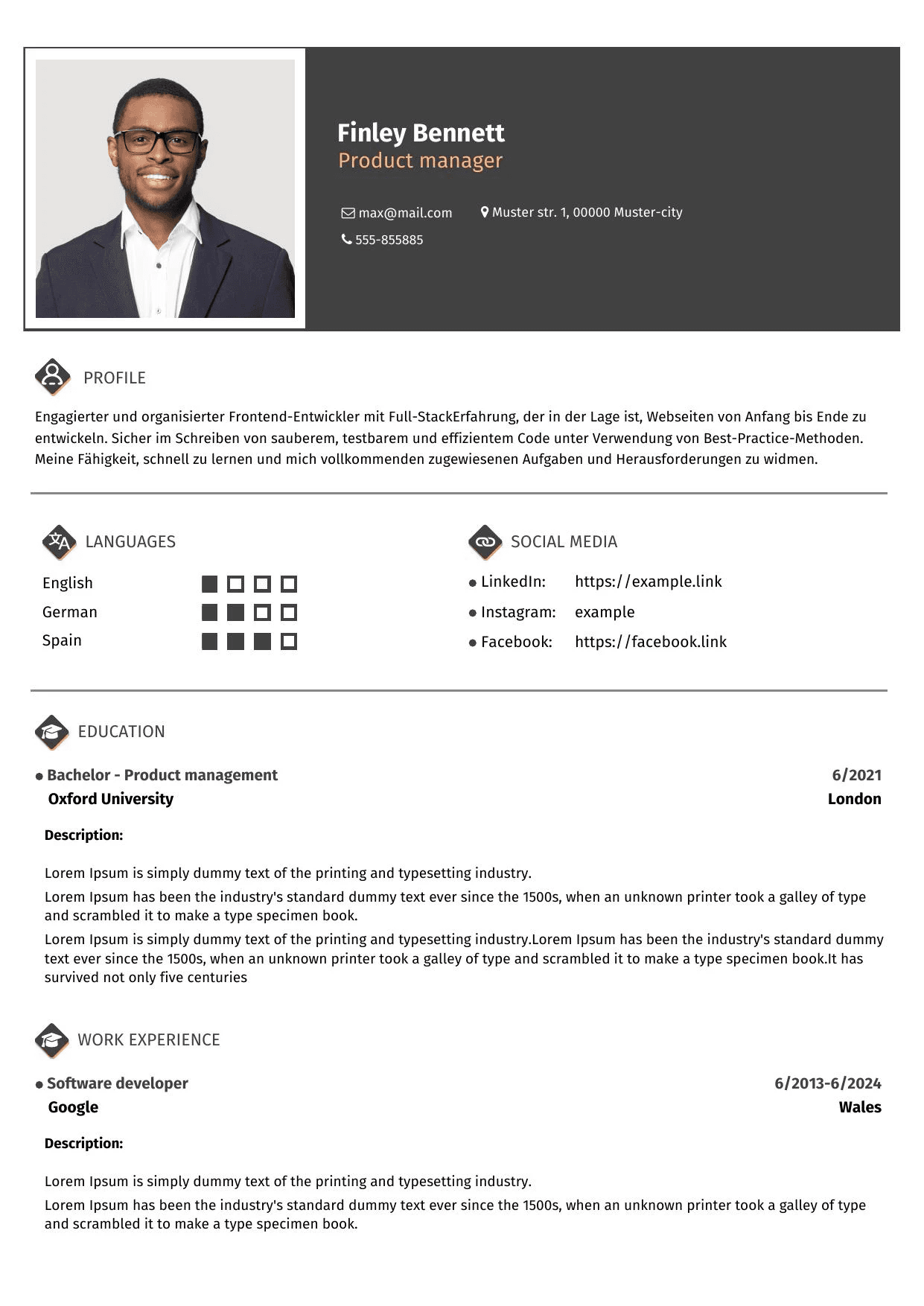
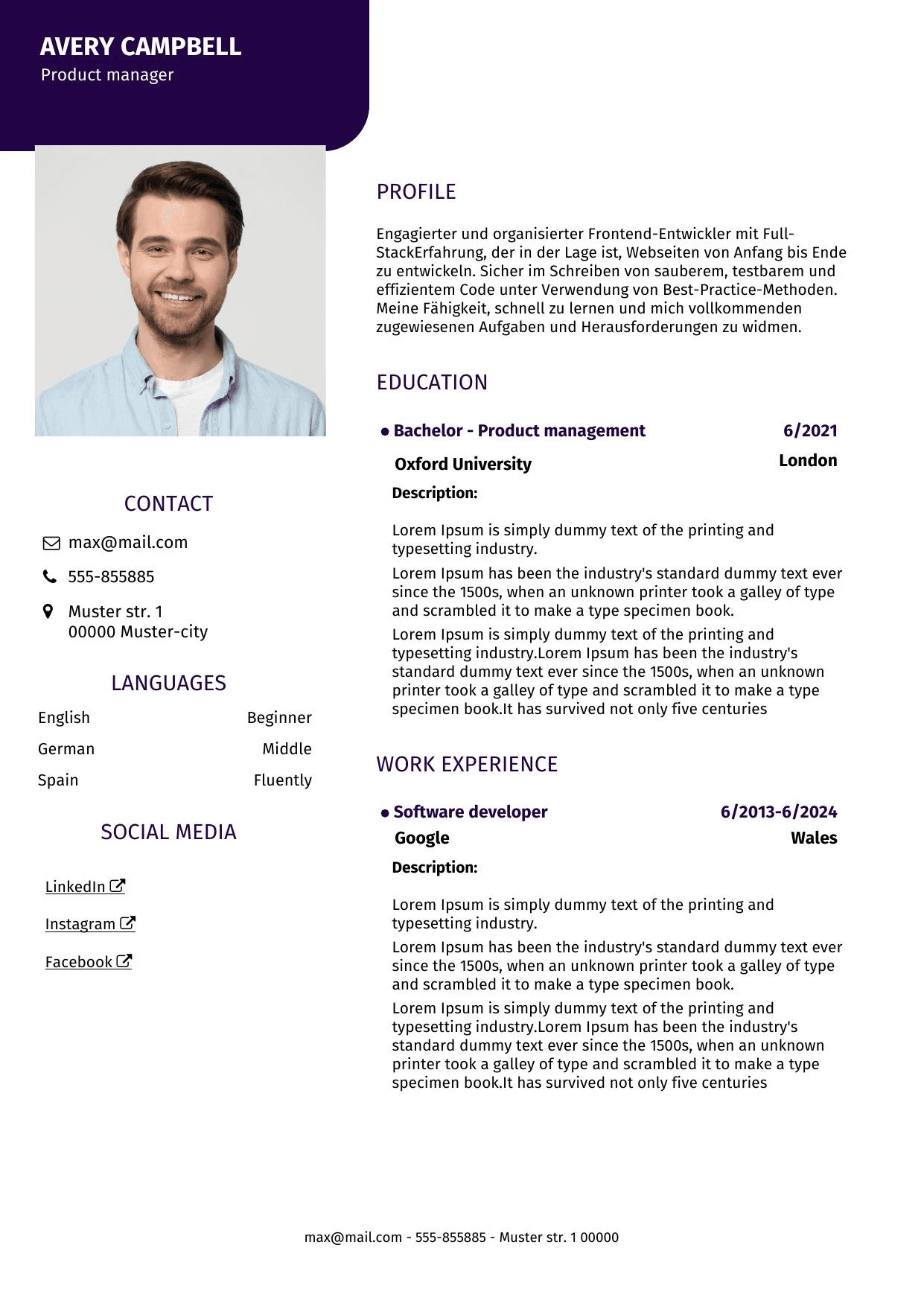
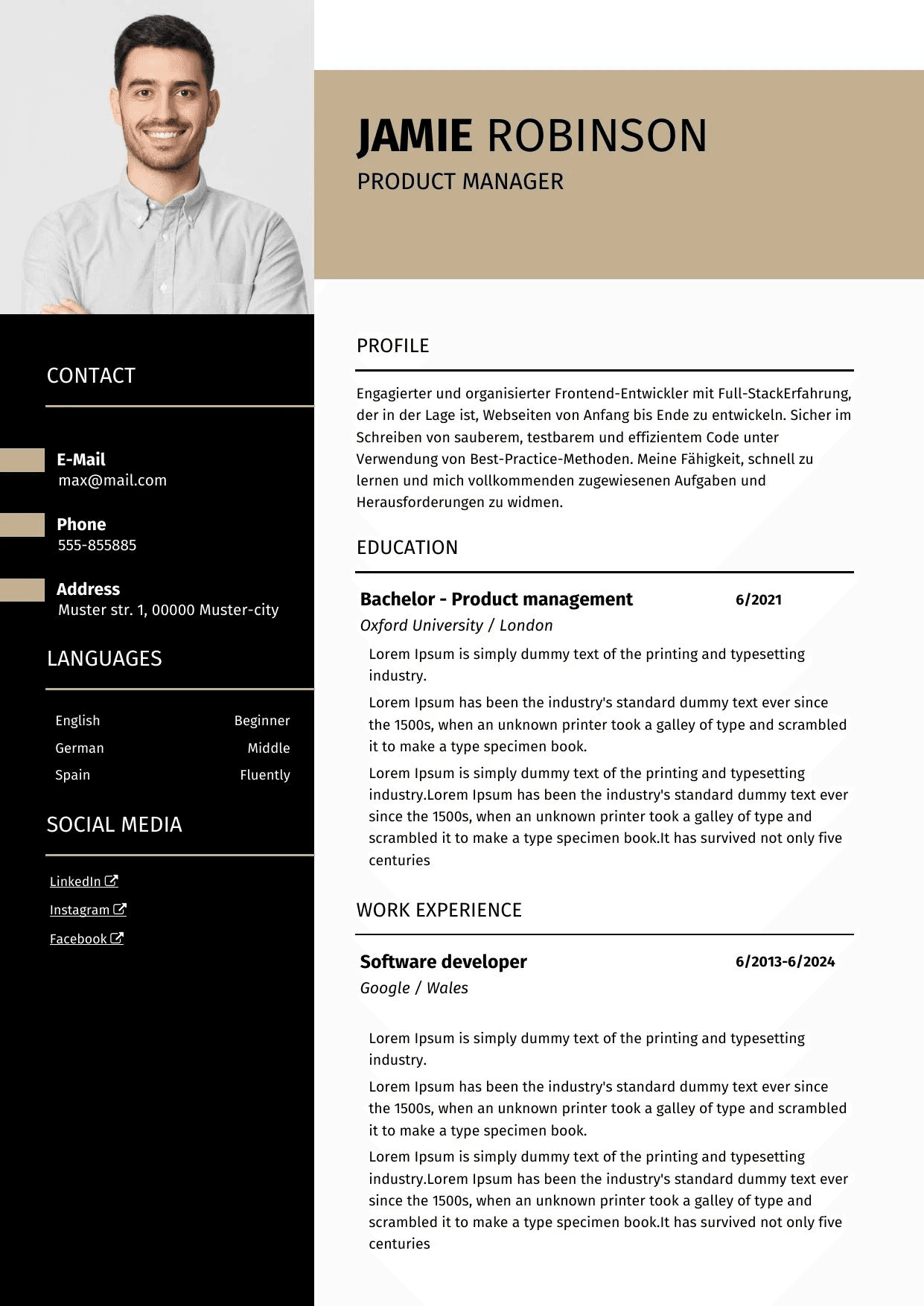
Select a modern layout and color that match your profession. You can change them at any time.
Create a clear, professional resume step by step. Use AI to improve your summary, work experience and skills, then share it online or export it as a polished PDF.
Turn routine responsibilities into clear, results-focused bullet points.
The builder guides you through structure, content and presentation so you can focus on your next application.
Select a modern layout and color that match your profession. You can change them at any time.
Fill in each section and improve your profile, experience and achievements with AI-assisted suggestions.
Save your resume, send a private link by email, or download a clean PDF for your application.
Useful tools help you write stronger content, keep the layout consistent and deliver your resume in the right format.
Create resumeImprove summaries, translate text and turn basic duties into specific, achievement-oriented bullet points.
Use carefully designed templates that keep important information clear and easy to scan.
Share your resume through a private link or email. Recipients can view it without creating an account.
Download a professional document without struggling with spacing, alignment or page breaks.
Choose a clean layout, personalize the color and let the builder keep every section aligned.
AI suggestions help you express your experience more clearly while keeping the final wording under your control.
Responsible for customer support and answering questions.
Resolved customer requests across email and chat, clarified product questions and supported a smooth customer experience.
Every career is different, but a clear resume usually combines four core sections with optional details that support the application.
Name, contact details and relevant professional links so employers can reach you easily.
Degrees, vocational training, certificates and other qualifications relevant to the role.
Roles, dates, responsibilities and achievements, presented in a precise and easy-to-follow order.
Relevant languages, technical abilities, transferable skills and an optional short professional summary.
Feedback from professionals who use or recommend CV Beaver.
CV Beaver’s intuitive interface and modern templates help job seekers showcase their skills and experience convincingly.
I recommend CV Beaver to anyone who wants to create a professional and visually appealing resume without wasting time on formatting.
The sharing and editing features make corrections fast and convenient before the resume is sent to a recruiter or client.
The essentials about creating, improving and sharing your resume.
A resume, also called a CV, is a structured overview of your education, work history, qualifications and relevant skills. Its purpose is to help an employer quickly understand your background.
Most resumes include contact information, education, work experience and relevant skills. Depending on your situation, you can also add a short profile, certifications, projects, languages or interests.
Yes. CV Beaver can help improve wording, summaries and experience descriptions. Review every suggestion and keep only statements that accurately reflect your background.
The builder supports PDF export so your layout stays consistent when you apply, print or send the document by email.
Yes. You can save your resume to your profile and share it through a link or email. The recipient can view it without creating an account.
No. Choose a template and enter your details. The builder handles typography, spacing and section layout for you.
Choose a template, add your experience and let AI help you turn it into a clear professional story.